Category: Blog
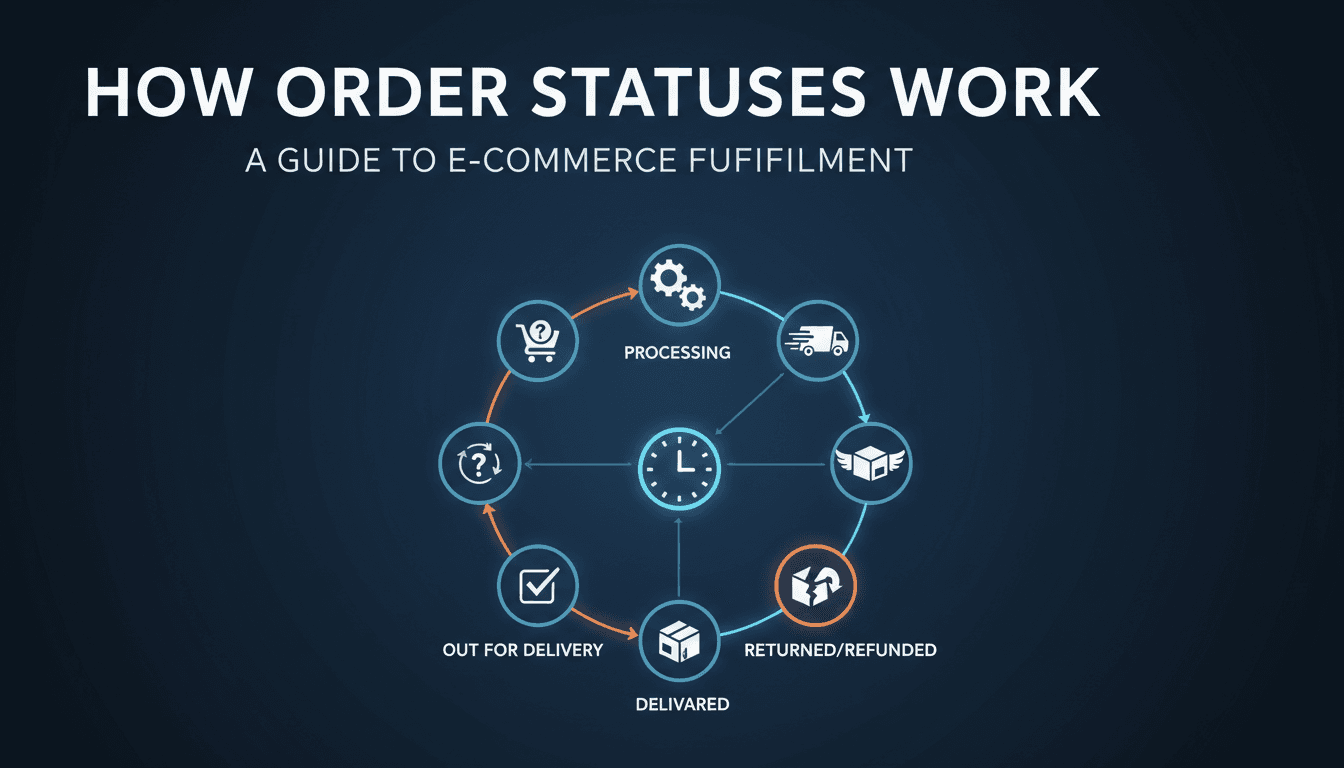
How order statuses work
Managing your shop effectively starts with knowing exactly where every order stands. Order statuses act as a workflow system, moving a customer from the moment they click "buy" to the moment the package arrives at their door. How to update an order status Changing a status manually is common when you’ve finished packing a box…

How to issue a full or partial refund
Managing refunds is a routine part of running a shop. Whether a customer changed their mind, an item arrived damaged, or you need to correct a shipping overcharge, you can handle the money and the inventory directly from your WooShop dashboard. How to process a refund Log in to your dashboard and go to WooCommerce…

How to view and process customer orders
Managing your orders is the heart of your daily shop operations. The Orders screen allows you to see who bought what, update shipping details, and keep your customers informed about their purchase status. How to access and manage your orders Open the Orders list: Log in to your WooShop dashboard. In the left-hand sidebar, go…

Set up conditional rules for product options
Conditional rules allow you to show or hide product options based on what a customer selects. Instead of cluttering your product page with every possible choice, you can keep things clean and only display relevant fields when they are needed. How to set up conditional rules Follow these steps to add logic to your product…
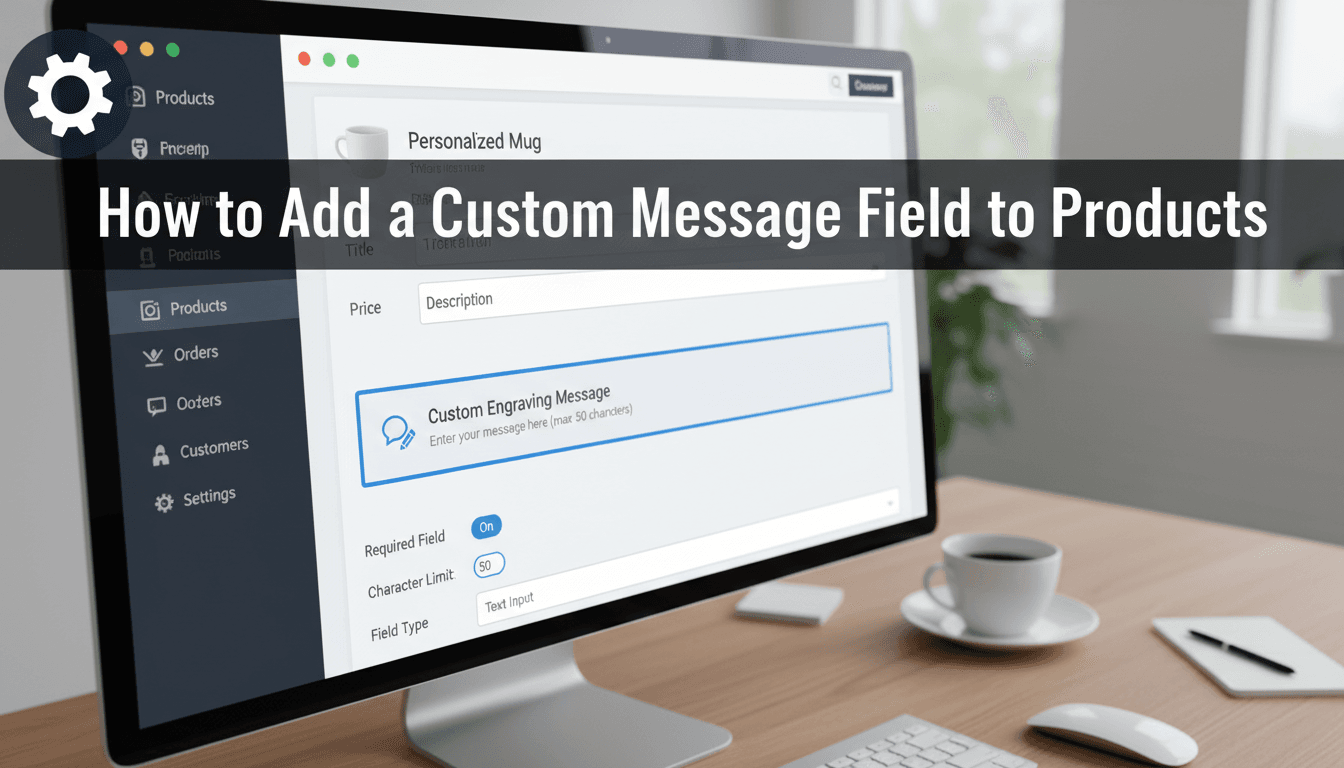
How to add a custom message field to products
Allowing customers to add personal notes or instructions to their orders reduces manual follow-up emails and ensures accuracy. Whether you need a simple name for an engraving or a long gift message, adding a custom field directly to your product page makes the checkout process smoother for your shoppers. How to add a custom text…
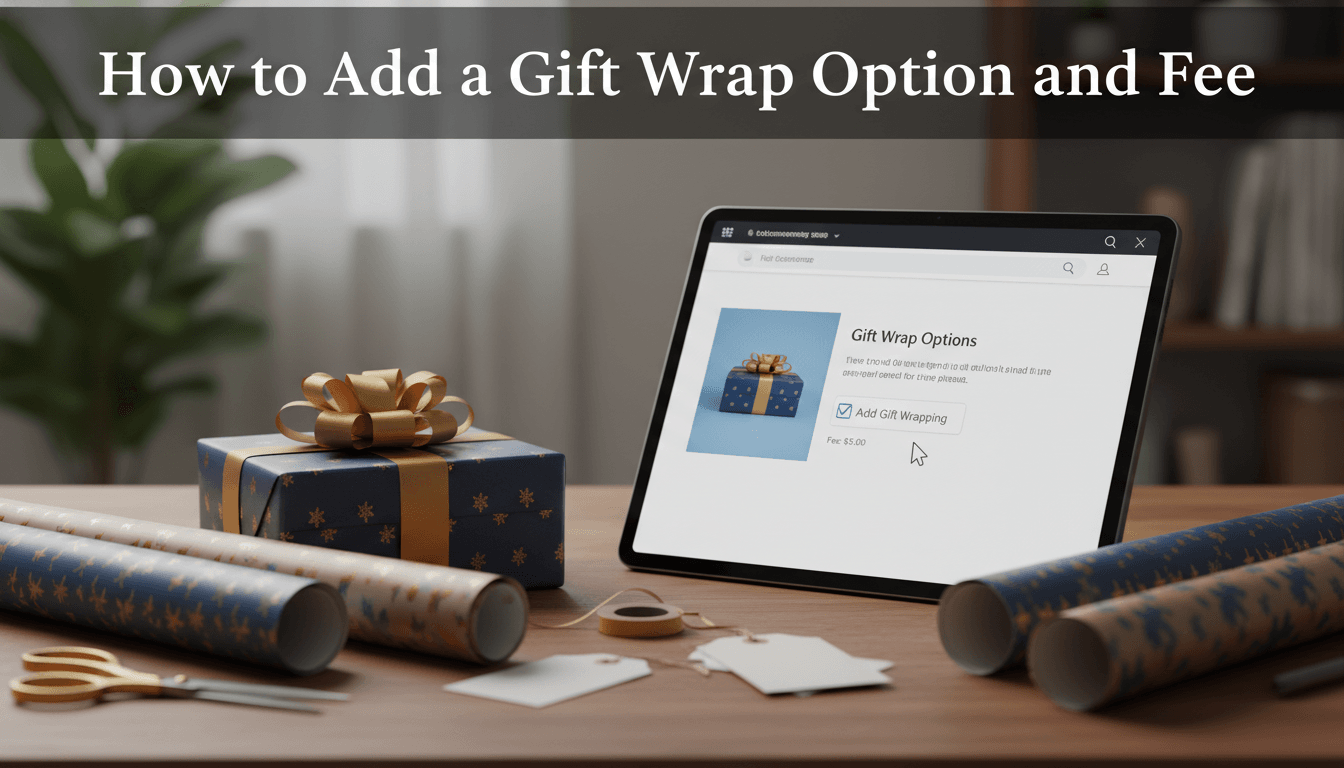
How to add a gift wrap option and fee
Offering a gift wrap option is an easy way to save your customers time while increasing your store’s average order value. You can set a flat fee for the service or offer different wrapping styles for a small upcharge. How to set up gift wrap fees We use the Product Add-ons feature to handle these…

Managing product variations and pricing
Variable products allow your customers to choose specific options—like size, color, or material—from a single product page. Instead of listing five different shirts for five different colors, you can manage them all in one place with unique prices and stock levels for each combination. How to create a variable product Follow these steps to set…
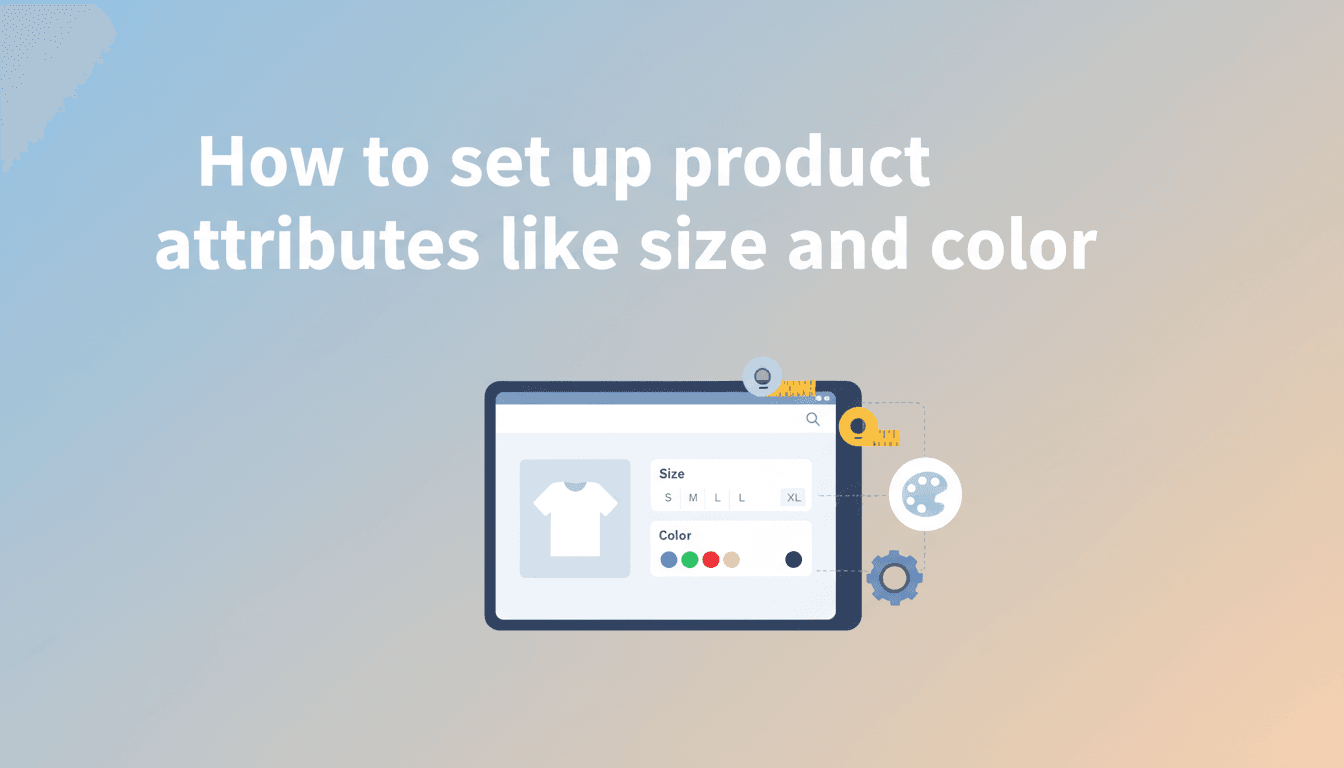
How to set up product attributes like size and color
Product attributes add structure to your shop. They allow you to define specific details like size, color, or material, making it easier for customers to filter products and find exactly what they are looking for. These attributes also serve as the foundation for creating product variations, such as a t-shirt that comes in both Small…
Understanding variable products
Variable products allow you to offer a single item with different options, such as size, color, or material. Instead of creating separate product pages for every version of an item, you can group them together. This makes your shop easier to browse and simplifies your inventory management. How to set up a variable product Follow…
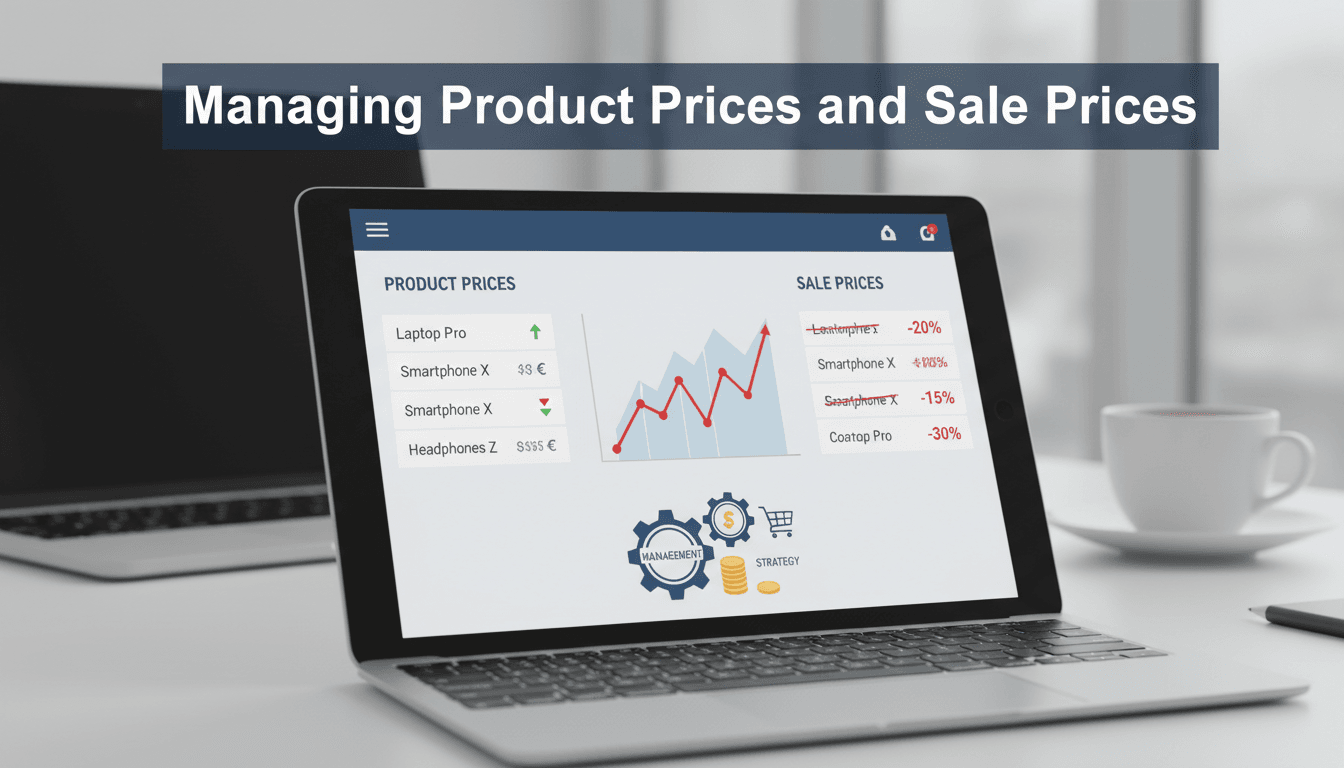
Managing product prices and sale prices
Pricing is the core of your online store. Keeping your rates current ensures your customers have the right information, while sale prices help you move inventory and run promotions during busy shopping seasons. How to set or change a product price Follow these steps to update the price of a standard (Simple) product: Log in…