Category: Blog
-
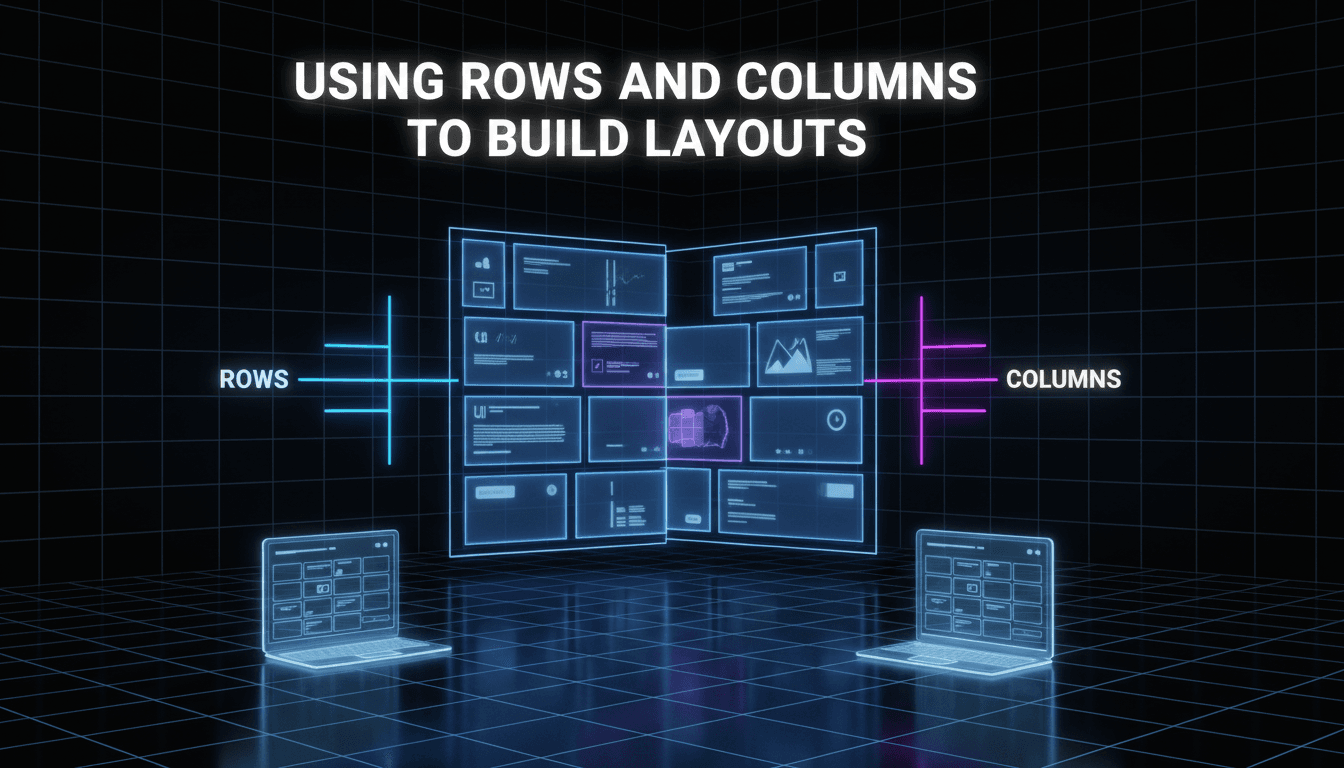
Using rows and columns to build layouts
Layouts on your website work like a grid. To keep your text, images, and products organized, you use rows and columns. This ensures your content stays aligned and looks professional on both desktop computers and mobile phones. How to build a layout The Row Layout block is the main tool you’ll use to structure your…
-
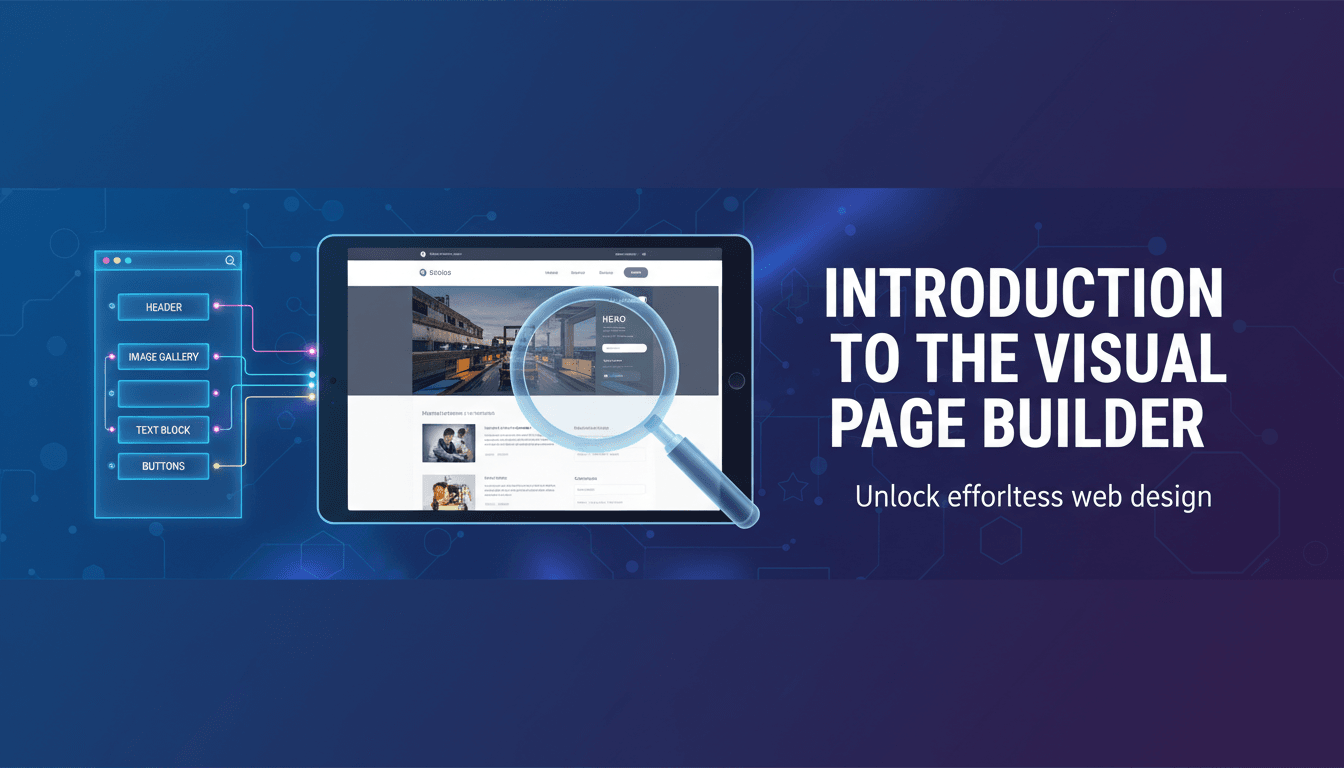
Introduction to the visual page builder
The visual editor is where you control the look and layout of your store. Instead of writing code, you use "blocks" to add text, images, and products. Because WooShop is built on WordPress and Kadence, you see exactly how your site will look to customers while you are making changes. Getting started with the editor…
-
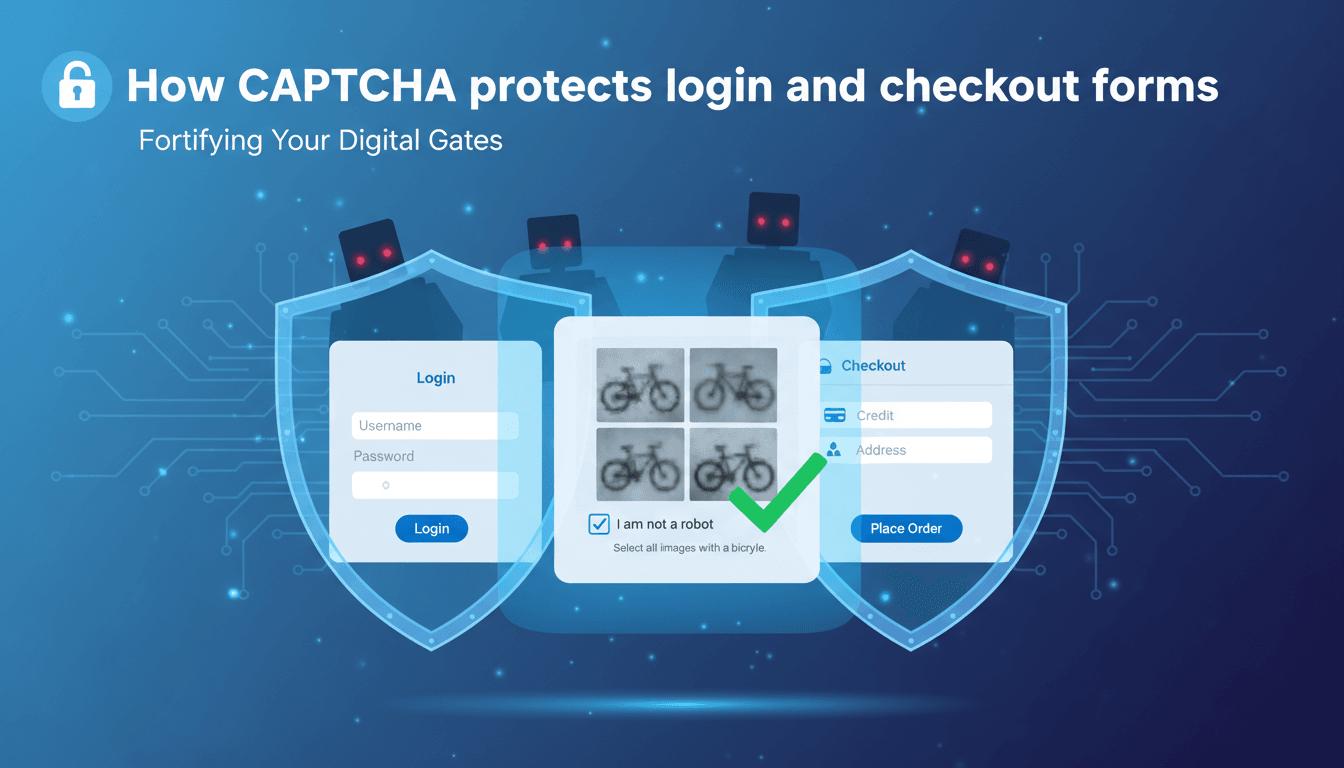
How CAPTCHA protects login and checkout forms
CAPTCHA adds a necessary layer of security to your WooShop store by distinguishing between human visitors and automated bots. By enabling it on your login and checkout forms, you prevent fraudulent orders, fake account creation, and "brute force" login attempts that can compromise your site’s performance. How to enable CAPTCHA on your store Follow these…
-
How to customize your dashboard widgets
Your dashboard is the first thing you see when you log into WooShop. Customizing it ensures that your most important data—like today’s sales, pending orders, or site health—is visible immediately, saving you from digging through menus to find basic stats. How to customize your view You can hide, show, and rearrange widgets in just a…
-

How to navigate your branded admin menu
Your WooShop dashboard is designed to help you manage your store without the clutter of a standard WordPress backend. We’ve organized the sidebar menu so the tools you use most—like orders, products, and site design—are always front and center, allowing you to focus on running your business rather than managing software. How to use your…
-

Publishing a Blog Post in WordPress: From Draft to Live
Sharing updates, product news, and helpful guides builds trust with your customers and helps your store show up in search results. Here is how to take a blog post from a rough draft to a live page on your WooShop site. Steps to Publish Your Post Create a New Post Log in to your dashboard…
-

A Guide to Creating Your First WordPress Blog Post
Blogging helps your WooShop store show up in search results and keeps your customers engaged. It is the most effective way to share shop updates, "how-to" guides, or industry news without cluttering your main sales pages. Steps to create your first post Log in to your dashboard: Open your WooShop admin area and click on…
-

How to Add a New Post Using the WordPress Block Editor
Adding blog posts to your WooShop site is the best way to share business updates, "how-to" guides, or new product announcements. WordPress uses a visual system called the Block Editor, which lets you build layouts by stacking different elements like text, images, and buttons. How to Create Your First Post Open the Editor: Log in…
-

Creating a New Blog Post: A Step-by-Step Guide for WordPress
Blogging is one of the most effective ways to drive organic traffic to your store and build trust with your customers. Whether you are announcing a new product line or sharing behind-the-scenes stories, a well-structured post keeps your site fresh and search-engine friendly. How to Create and Publish a Post Log in to your Dashboard…
-
Mastering Your WooShop Dashboard: A Quick Guide for New and Intermediate Users
Mastering Your WooShop Dashboard: A Quick Guide for New and Intermediate Users Introduction Your WooShop dashboard is the central hub for managing your online store, built on WordPress and powered by Kadence and WooCommerce. This feature-rich interface allows you to control every aspect of your site, from product listings to customer interactions. Understanding how to…