Category: Blog
-

How to insert and customize patterns
Patterns are pre-built layouts of blocks that help you design your pages faster. Instead of building a section like a gallery or a "Contact Us" area from scratch, you can drop in a pattern and swap the placeholder content for your own. This ensures your store looks consistent and professional without requiring a design degree.…
-
Introduction to the pattern hub
The Pattern Hub is a collection of pre-designed sections and layouts built specifically for your store. Instead of building every part of your website from scratch, you can browse a library of professionally designed elements—like "Meet the Team" sections, pricing tables, or hero banners—and drop them directly into your pages. How to use the Pattern…
-
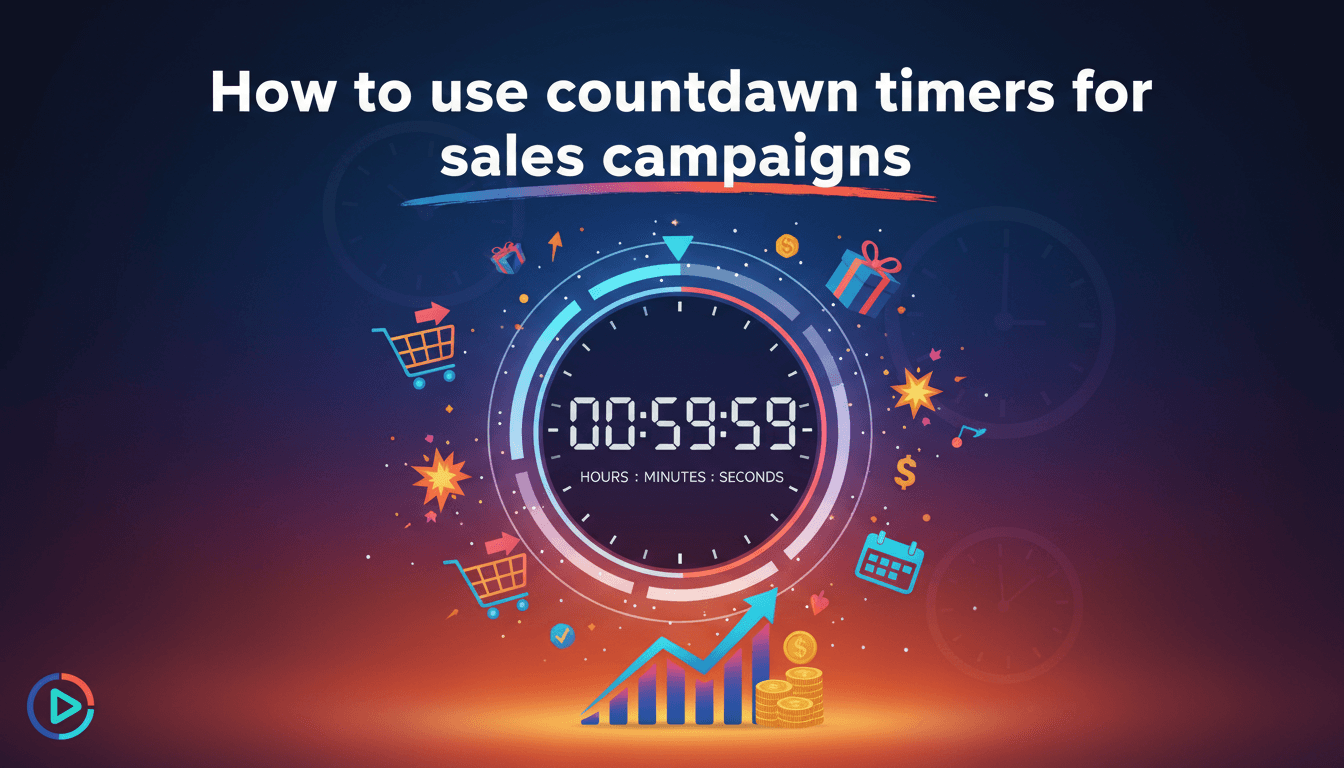
How to use countdown timers for sales campaigns
Countdown timers add a visual deadline to your shop. They help customers understand exactly how much time they have left to take advantage of a discount or a seasonal offer, which helps prevent them from leaving their cart for "later." How to add a countdown timer to your page Since WooShop uses the Kadence block…
-
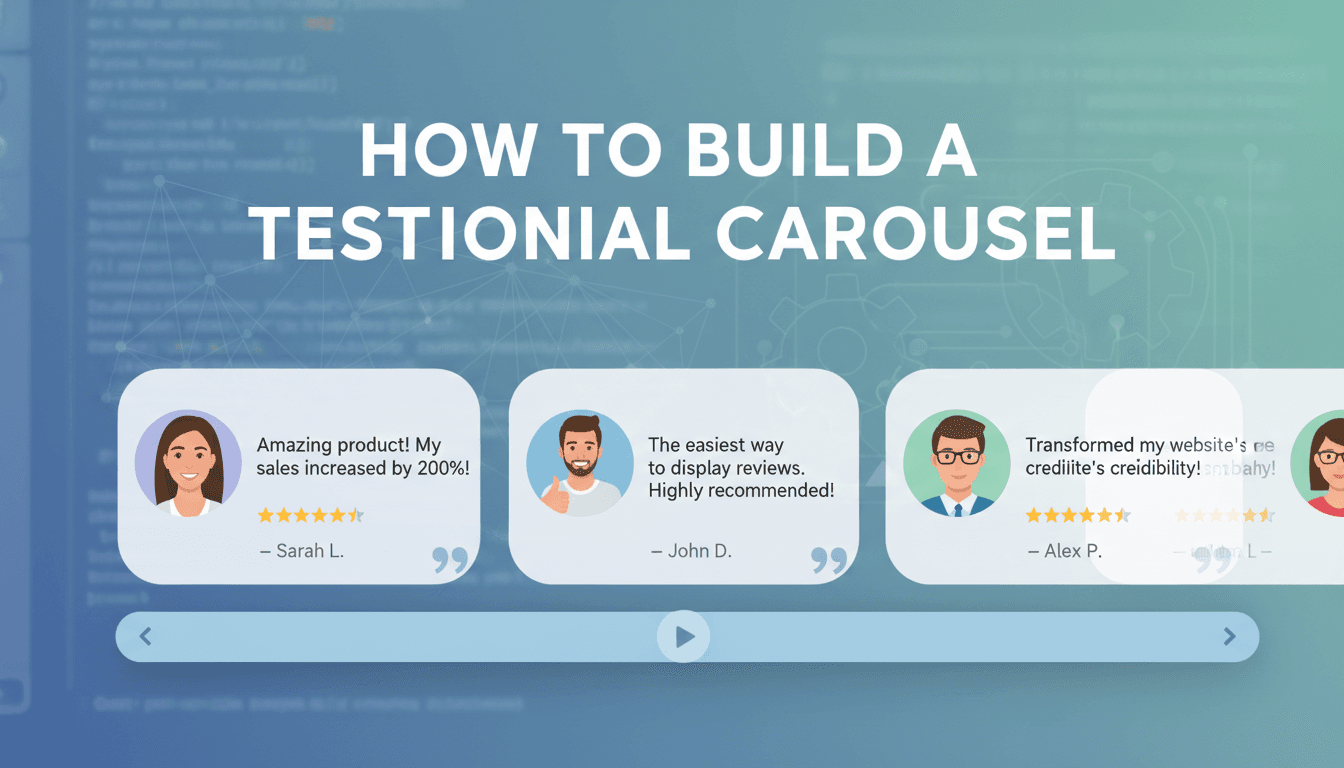
How to build a testimonial carousel
Social proof helps visitors feel confident in their purchase. A testimonial carousel allows you to display multiple reviews in a single, compact area, making it easy for customers to see what others love about your products or services without cluttering your page. How to set up your carousel Open the Page Editor: Navigate to the…
-
How to create forms with the form block
Forms allow your customers to get in touch, sign up for newsletters, or request custom quotes directly from your website. On WooShop, you use the Form block to build these without needing any extra plugins or coding knowledge. How to set up your form Add the Form block: Open the editor on the page where…
-
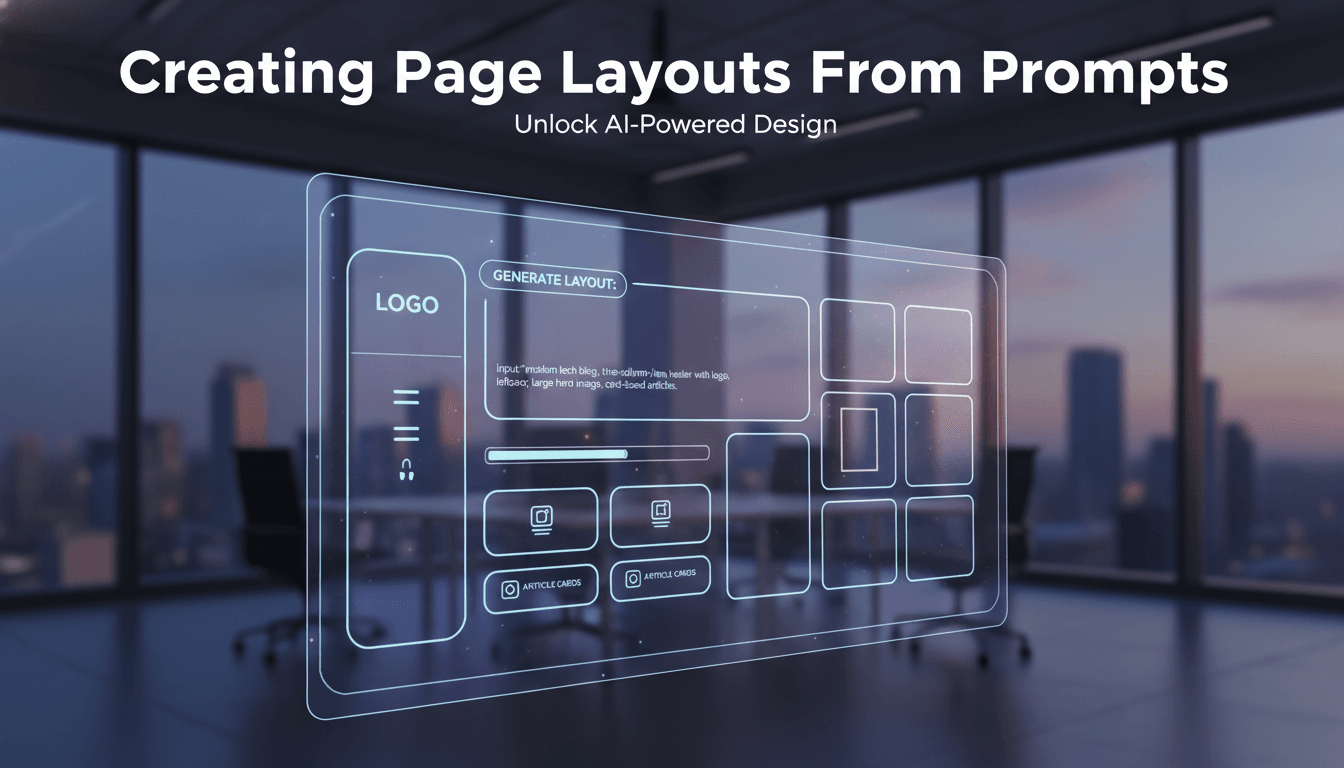
Creating page layouts from prompts
Generating page layouts from prompts allows you to build custom website sections by simply describing what you need. Instead of starting with a blank screen, you can provide a few details about your page, and WooShop will generate a professional layout with relevant text and images tailored to your business. How to generate a layout…
-

How to import a full starter site
Starter sites are professionally designed templates that come pre-loaded with layouts, images, and fonts. Instead of building every page from scratch, you can import a complete site structure and then swap in your own products and information. How to import your starter site Before you begin, note that importing a starter site works best on…
-
Adding icons and icon lists
Icons help your customers scan your shop and find information quickly. Instead of plain bullet points, icon lists highlight your product’s key features or your shop’s policies in a way that feels professional and easy to read. How to add an Icon List Most of the time, you’ll want to use an Icon List rather…
-

Working with advanced text and heading blocks
Advanced text and heading blocks give you precise control over how your site’s messaging looks. Unlike standard blocks, these allow you to adjust spacing, colors, and typography for mobile and desktop screens independently, ensuring your shop looks professional on every device. How to customize your text and headings Add the block: Click the + icon…
-

Adding and styling buttons
Buttons are the primary way your customers take action on your site. Whether you want them to buy a product, view a menu, or sign up for a newsletter, a well-placed button makes that next step obvious. How to add a button We recommend using the Advanced Button block included with your WooShop site. It…