Category: Blog
Generate SEO-friendly product descriptions
Good product descriptions help your shop show up in search results and tell your customers exactly what they’re getting. Instead of writing every word from scratch, you can use the built-in generator to create unique, readable descriptions for your items in seconds. How to generate a description Open your product: From your WooShop dashboard, go…

How the SEO grader works
The SEO grader is a built-in assistant that checks your product pages and blog posts for search engine readiness. It provides a real-time score and a checklist of suggestions to help your shop appear when customers search for products like yours on Google. How to use the grader Open your content: Edit any product or…

How to use the SEO analytics dashboard
The SEO analytics dashboard in WooShop gives you a direct look at how your store performs on search engines like Google. Instead of guessing which products are popular, you can see exactly which search terms bring customers to your site and how your rankings change over time. How to access and use your SEO dashboard…
How to offer bookable services to members
Offering bookable services to members allows you to automate your schedule while providing exclusive value to your subscribers. Whether you are running a gym with private training sessions, a consultancy with monthly strategy calls, or a salon with VIP time slots, this setup ensures only authorized members can reserve your time. Steps to set up…
How to sell subscription boxes to your members
Subscription boxes are a reliable way to build predictable, recurring revenue for your business. Whether you are shipping monthly coffee beans, weekly floral arrangements, or curated gift boxes, setting up a subscription model on WooShop keeps your customers engaged without them needing to manually reorder every time. How to set up your subscription box Follow…
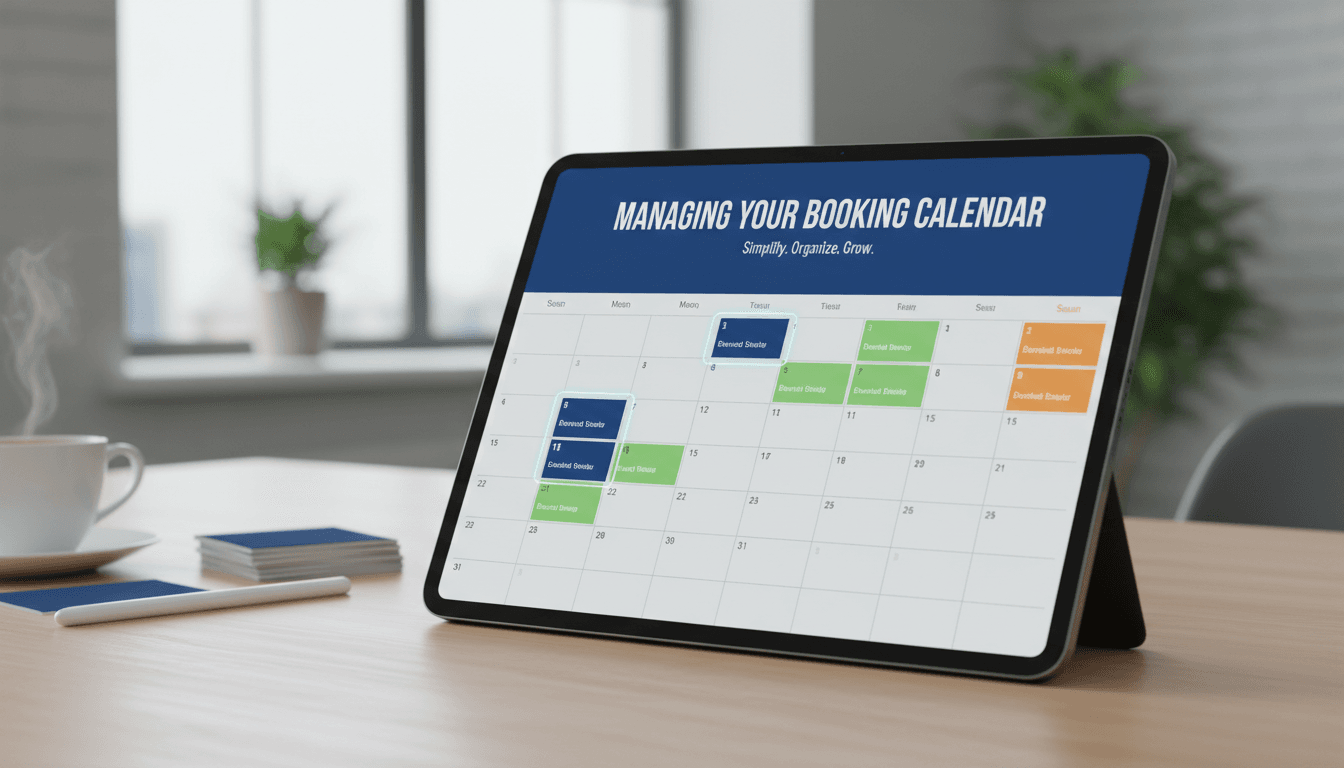
Managing your booking calendar
Your booking calendar is the central hub for your business schedule. It gives you a real-time view of your appointments, rentals, or reservations, helping you avoid double bookings and see your daily workload at a glance. View and manage your schedule Follow these steps to navigate your calendar and keep your bookings organized. Access the…

How to manage booking availability and costs
Managing your booking calendar and pricing ensures you only take appointments when you’re actually available and that you’re charging the right amount for peak times. Whether you run a salon, a consultancy, or a rental space, these settings help automate your schedule and prevent double-bookings. How to set up availability and costs Follow these steps…

How to create a bookable product for appointments
Booking products turn your store into a scheduling system. Whether you are a consultant, a hair stylist, or a rental business, this feature lets customers reserve your time or equipment directly through your website without the need for back-and-forth emails or phone calls. 1. Create a new Bookable Product Log in to your WooShop dashboard…

How to create member-only discounts and content
Offering exclusive perks like discounts and private content is a practical way to build a loyal customer base. It encourages repeat business and gives your most active shoppers a reason to keep coming back. Create a membership plan Before you can restrict content or offer discounts, your site needs to know who your members are.…
How to restrict products to members only
Restricting products lets you create exclusive offers, wholesale sections, or private clubs within your store. It allows you to control exactly who can view or purchase specific items based on their membership level or login status. Steps to restrict a product Most product restrictions on WooShop are managed directly within the product editor using the…