Category: Blog

Getting started with memberships
Memberships allow you to restrict access to specific products, content, or discounts to a select group of customers. Whether you are selling a monthly subscription box, a private video library, or wholesale pricing, memberships help you manage how customers interact with your shop and build a recurring revenue stream. 1. Create your membership product Before…

How to manage your subscription
Managing your WooShop subscription keeps your store running smoothly and ensures you have the right resources as your business grows. You can handle billing details, plan changes, and invoices directly from your dashboard without needing to contact support. How to update your subscription Follow these steps to view or change your current plan: Log in…

How to set up subscription billing cycles
Recurring revenue keeps your business stable. Setting up billing cycles ensures your customers are charged the right amount at the right time without you having to manually send invoices or track down payments. How to set up a subscription billing cycle Follow these steps to configure how often your customers are charged for a product…
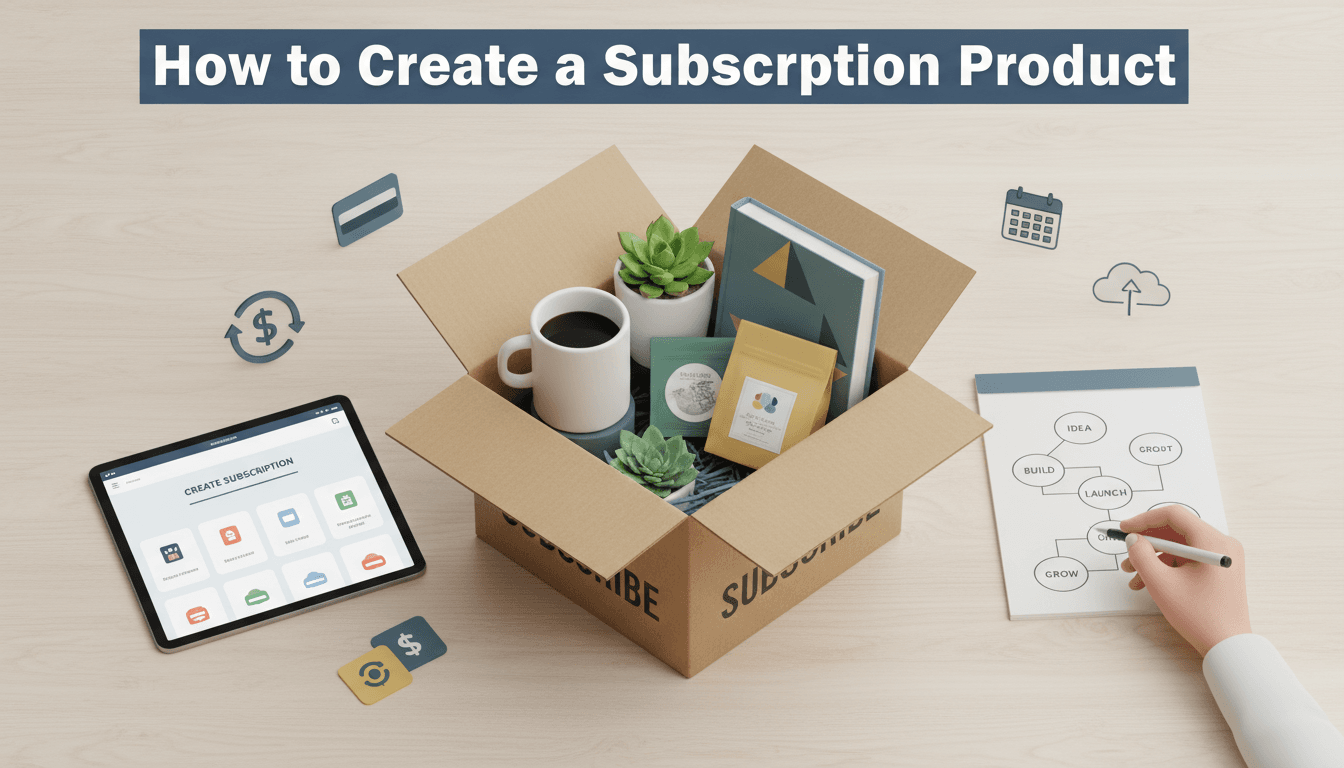
How to create a subscription product
Subscriptions provide a steady stream of recurring revenue and make it easier for your regular customers to keep buying from you. Whether you are selling a monthly snack box, a weekly cleaning service, or a yearly digital membership, setting up a subscription product automates the billing and renewal process. How to set up your subscription…

How to block out holiday dates for your store
Setting holiday dates lets you pause sales or deliveries while you’re away. It manages customer expectations and prevents a backlog of overdue orders when you return. How to set your holiday dates Log in to your WooShop Dashboard. Navigate to WooCommerce on the left menu and select Settings. Click on the Store Schedule or Holiday…
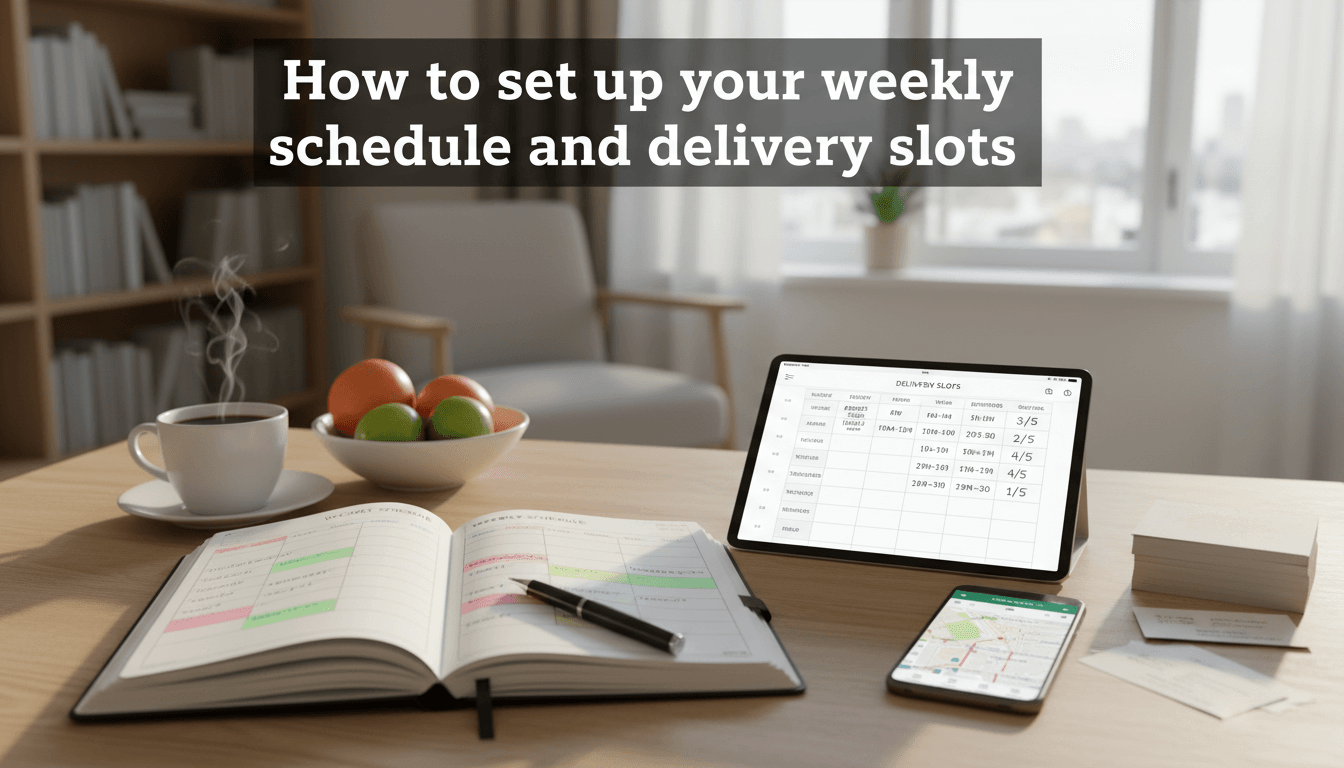
How to set up your weekly schedule and delivery slots
Setting up a delivery schedule helps you manage your workflow and gives your customers clear expectations. By defining exactly when you are available to fulfill orders, you prevent overbooking and ensure you have enough time to prepare every shipment or local delivery. How to configure your schedule Follow these steps to set your availability and…
Setting up local delivery areas and fees
Local delivery helps you serve your immediate community without the high costs of traditional couriers. By defining specific areas where you or your team can personally drop off orders, you can offer faster service and lower shipping rates to your neighborly customers. How to set up local delivery zones WooCommerce uses "Shipping Zones" to determine…
How to set up product add-ons for toppings
Product add-ons allow customers to personalize their orders by choosing extras like extra toppings, gift wrapping, or custom engravings. Instead of creating a separate product for every variation, you can offer these choices directly on the product page. This makes it easier for customers to get exactly what they want and helps you increase your…
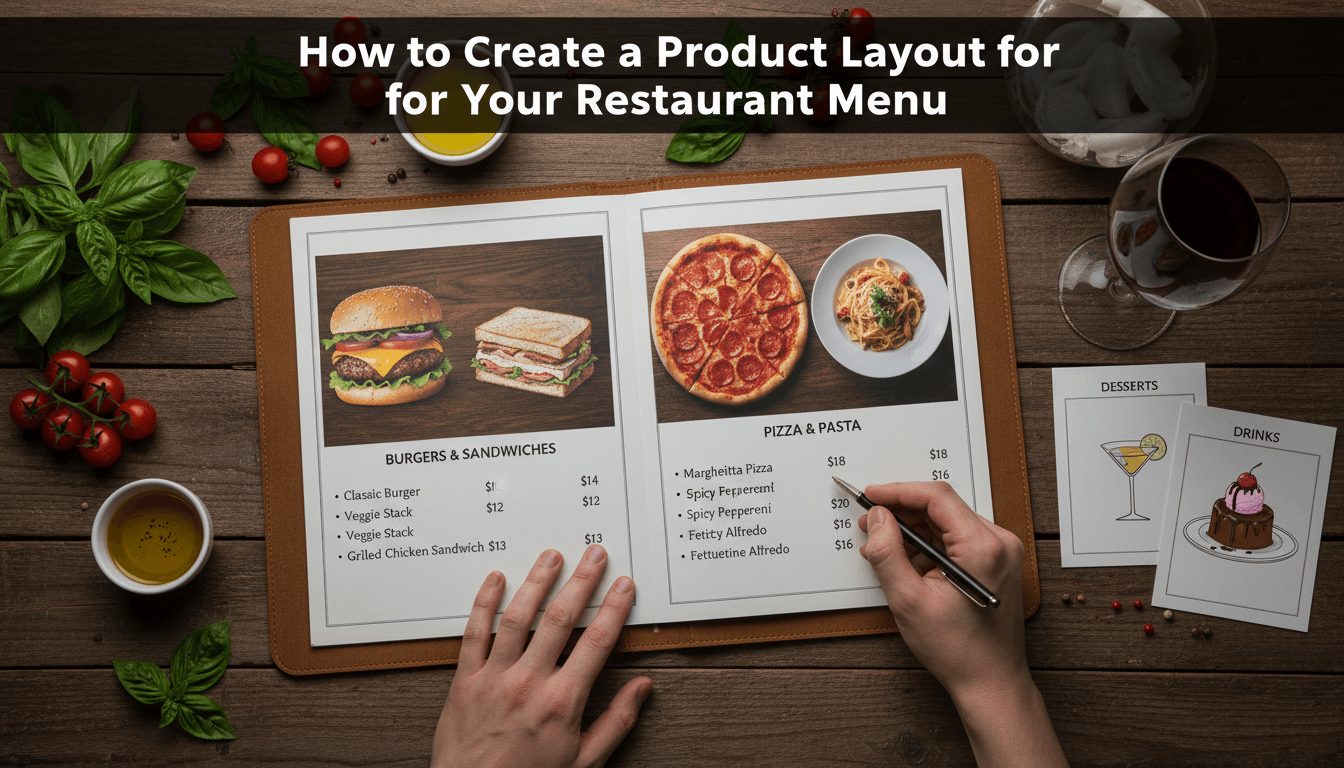
How to create a product layout for your restaurant menu
A restaurant menu layout needs to be easy to scan. Unlike a standard online shop that uses large square boxes, a menu usually looks best as a clean list with clear pricing and brief descriptions. Using WooShop’s built-in Kadence tools, you can move away from the traditional "grid" and create a professional digital menu. 1.…
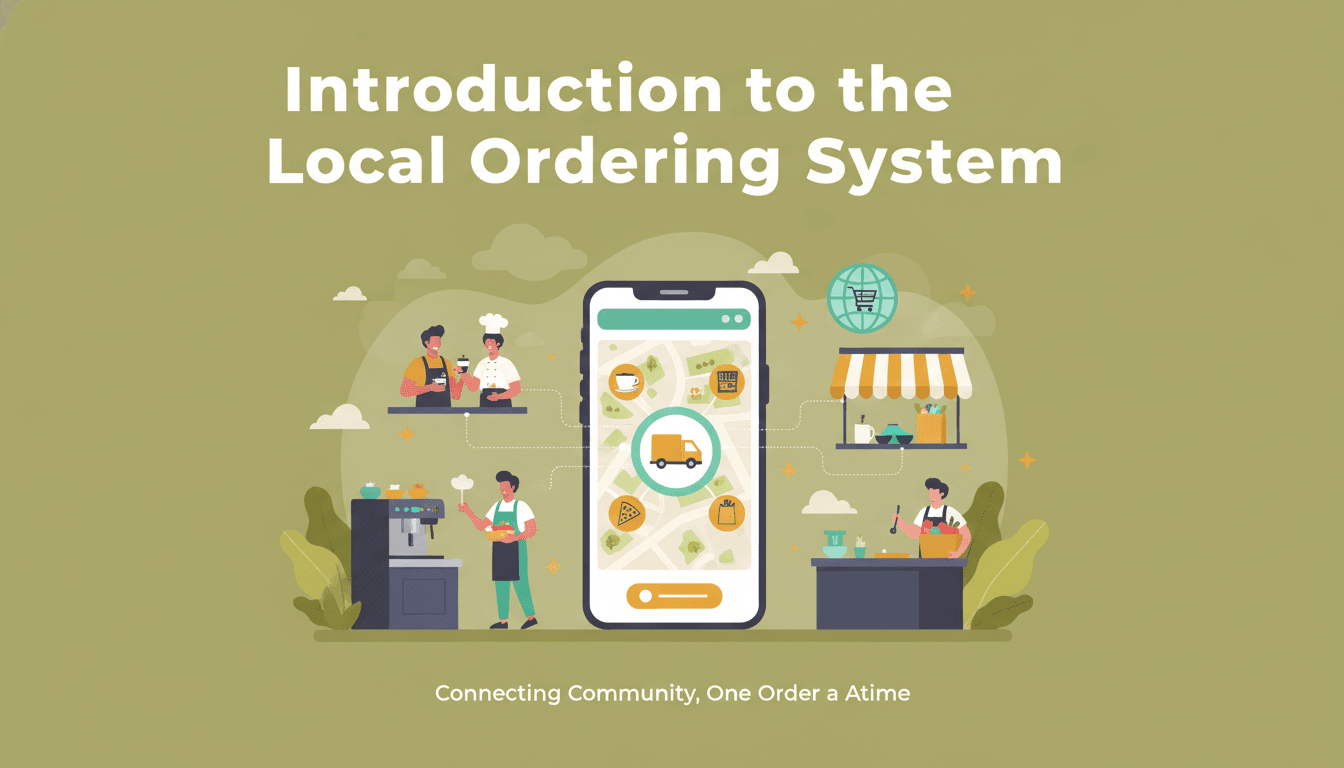
Introduction to the local ordering system
Local ordering bridges the gap between your online store and your physical location. It allows customers to browse your inventory online and choose to pick up their items in person or have them served at their table, helping you save on shipping costs and serve your local community more efficiently. Setting up local pickup Follow…