Category: Blog
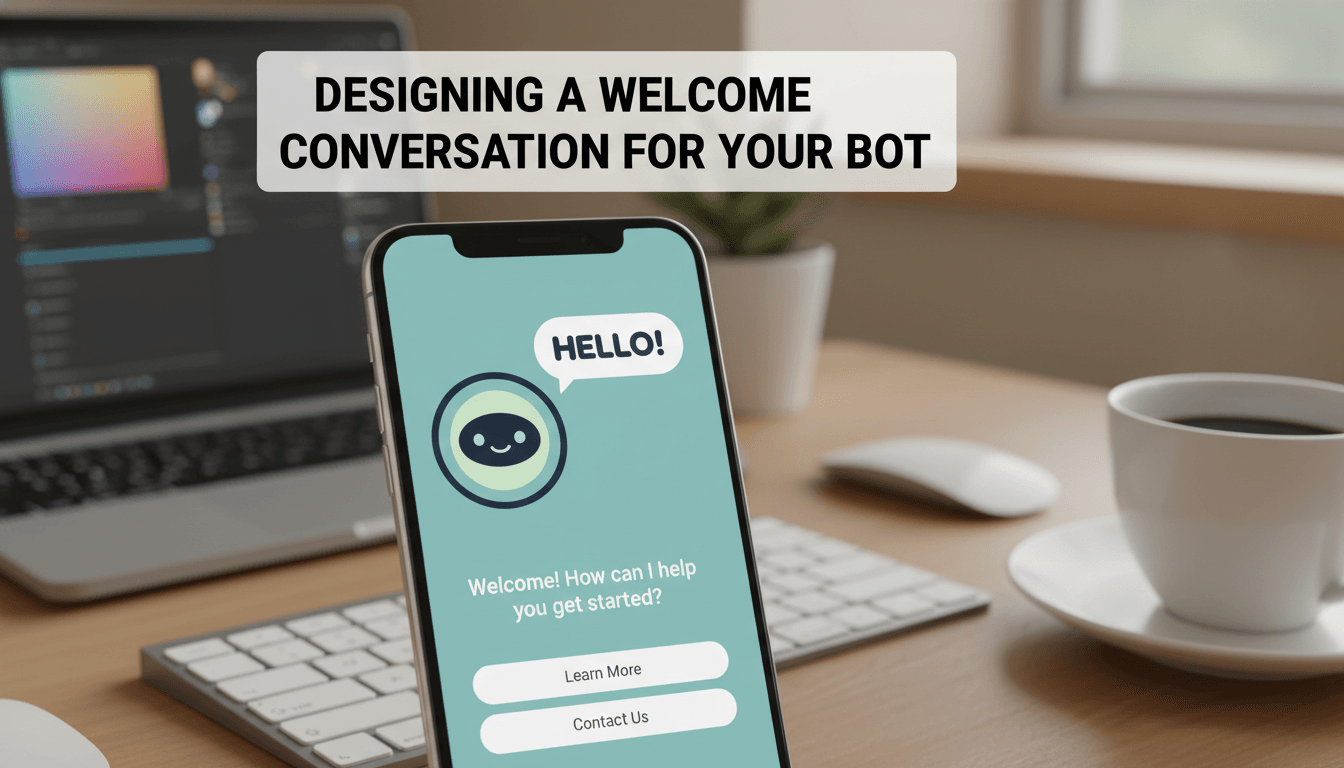
Designing a welcome conversation for your bot
Your welcome conversation is the first thing visitors see when they click your chat bubble. It acts as a digital greeter, helping customers find products, track orders, or get answers to common questions immediately, even when you’re offline. How to set up your welcome flow Follow these steps to build a simple, effective greeting. Open…

How to show estimated reading time on your posts
Showing an estimated reading time helps your visitors decide if they have enough time to read your post right now. It builds trust and improves the user experience by setting clear expectations before a customer starts reading your latest update or guide. How to enable reading time Since WooShop is built with Kadence, this feature…

Adding social media share buttons to products and posts
Adding social share buttons lets your visitors share your products and blog posts directly to their own social feeds. It is an easy way to get more eyes on your store through word-of-mouth, helping you reach new customers without a dedicated ad budget. How to enable social sharing Since WooShop is built on Kadence, you…

How to track your top performing keywords
Knowing which search terms lead customers to your store helps you focus your marketing efforts. When you know exactly what people type into Google to find your products, you can make better decisions about your product descriptions, categories, and blog posts. How to see your top keywords WooShop uses integrated SEO tools to pull data…

How to track your website’s SEO performance
Tracking your SEO performance shows you how your store appears in Google search results. Instead of guessing if your marketing works, you can see exactly which keywords bring customers to your site and which products need more attention. 1. Connect Google Search Console To see real search data, you need to connect your store to…

How to set display rules for popups and banners
Display rules control exactly where, when, and to whom your popups or banners appear. Instead of showing every message to every visitor, you can target specific actions—like showing a discount code only when someone is about to leave your site or a free shipping banner only on checkout pages. How to configure display rules Open…
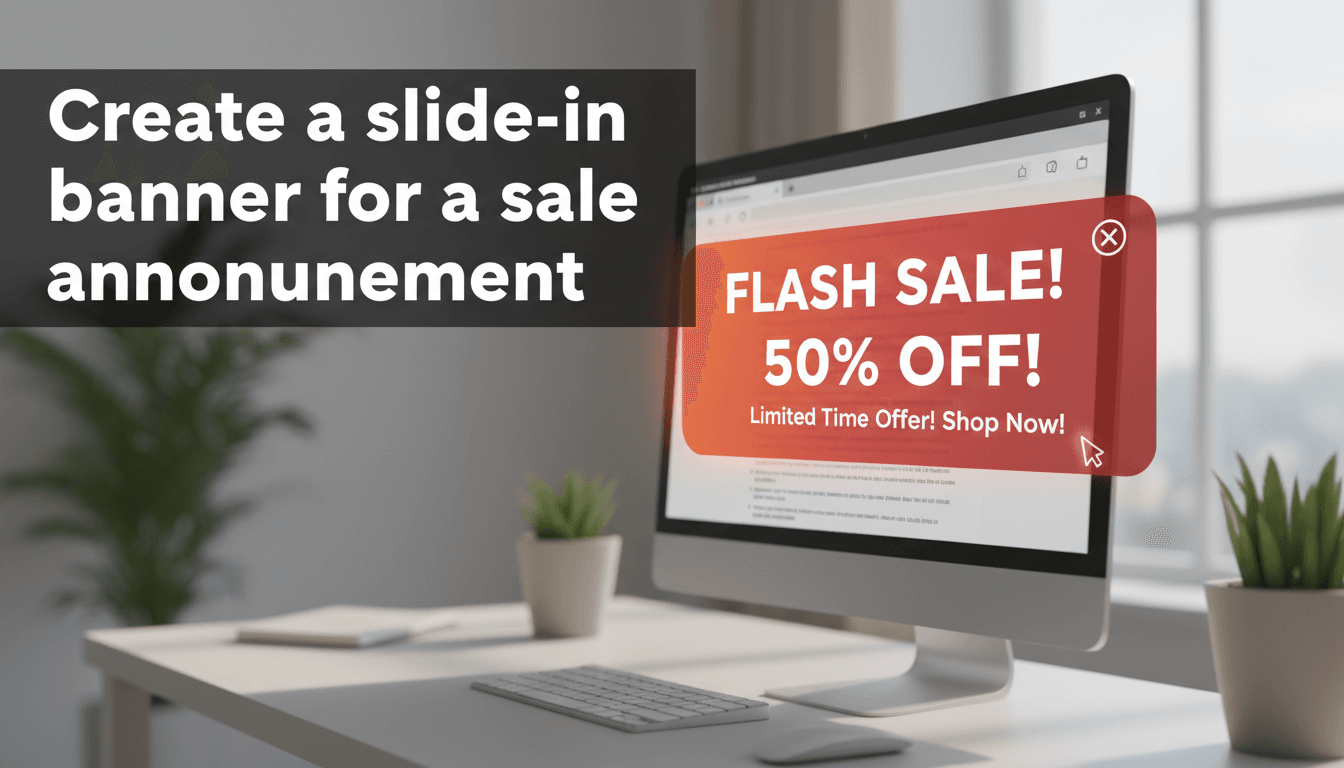
Create a slide-in banner for a sale announcement
Slide-in banners are a subtle way to alert customers about a sale, a new product, or a coupon code. Unlike popups that block the entire screen, slide-ins appear in the corner, allowing shoppers to keep browsing while keeping your offer in view. Steps to create your slide-in banner Open Kadence Conversions: From your WooShop dashboard,…
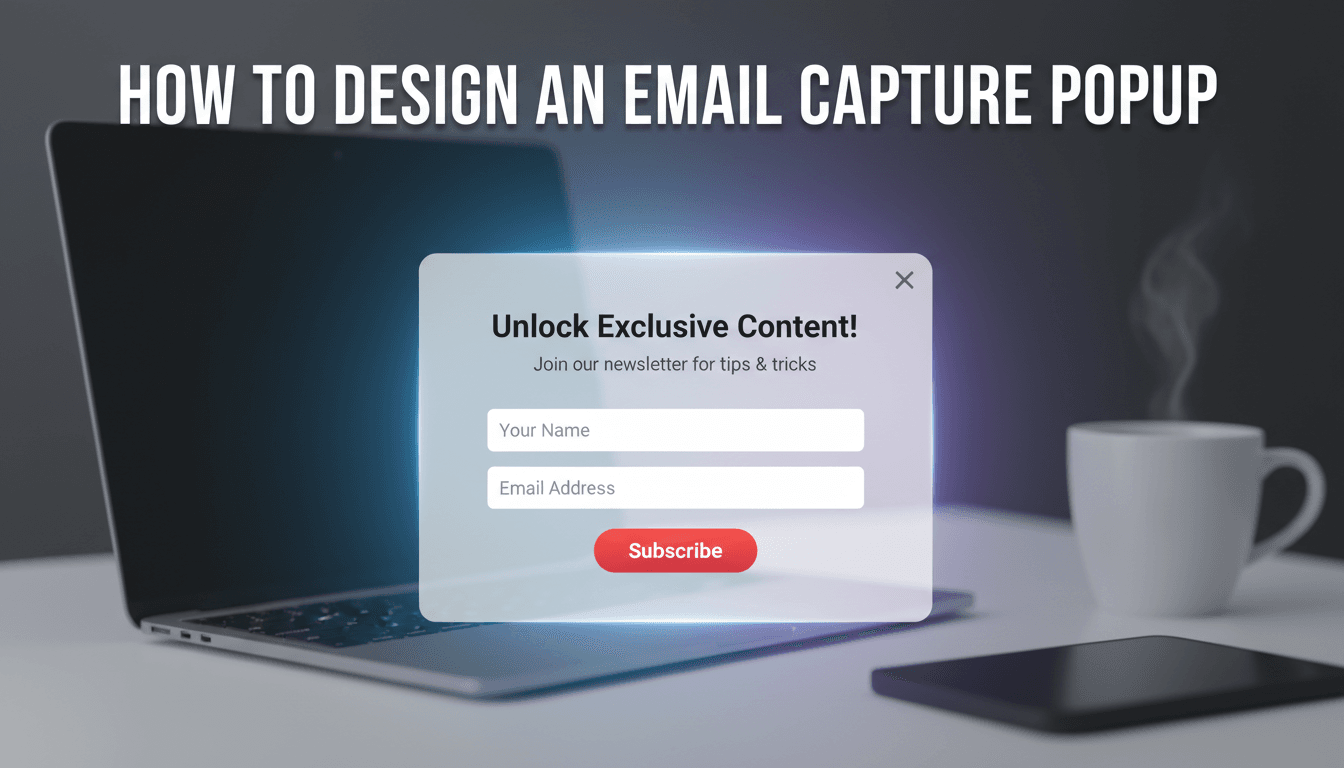
How to design an email capture popup
An email capture popup is one of the most effective ways to turn casual browsers into repeat customers. By offering a small incentive—like a discount code or a helpful guide—you can grow your mailing list and drive more sales through email marketing. How to design your popup WooShop uses Kadence Conversions to make building popups…

Connecting your store to Google Shopping for free listings
Google Shopping allows your products to appear in the "Shopping" tab of Google search results at no cost. Unlike paid ads, these free listings help you reach customers who are already searching for exactly what you sell without requiring a daily marketing budget. How to set up your product feed To get started, you will…

How to generate a blog post outline
Writing consistent content for your online shop is easier when you start with a clear structure. An outline helps you map out your main points and ensures your post flows logically, helping you focus on writing instead of wondering what to cover next. How to create your outline You can generate a structured outline directly…