
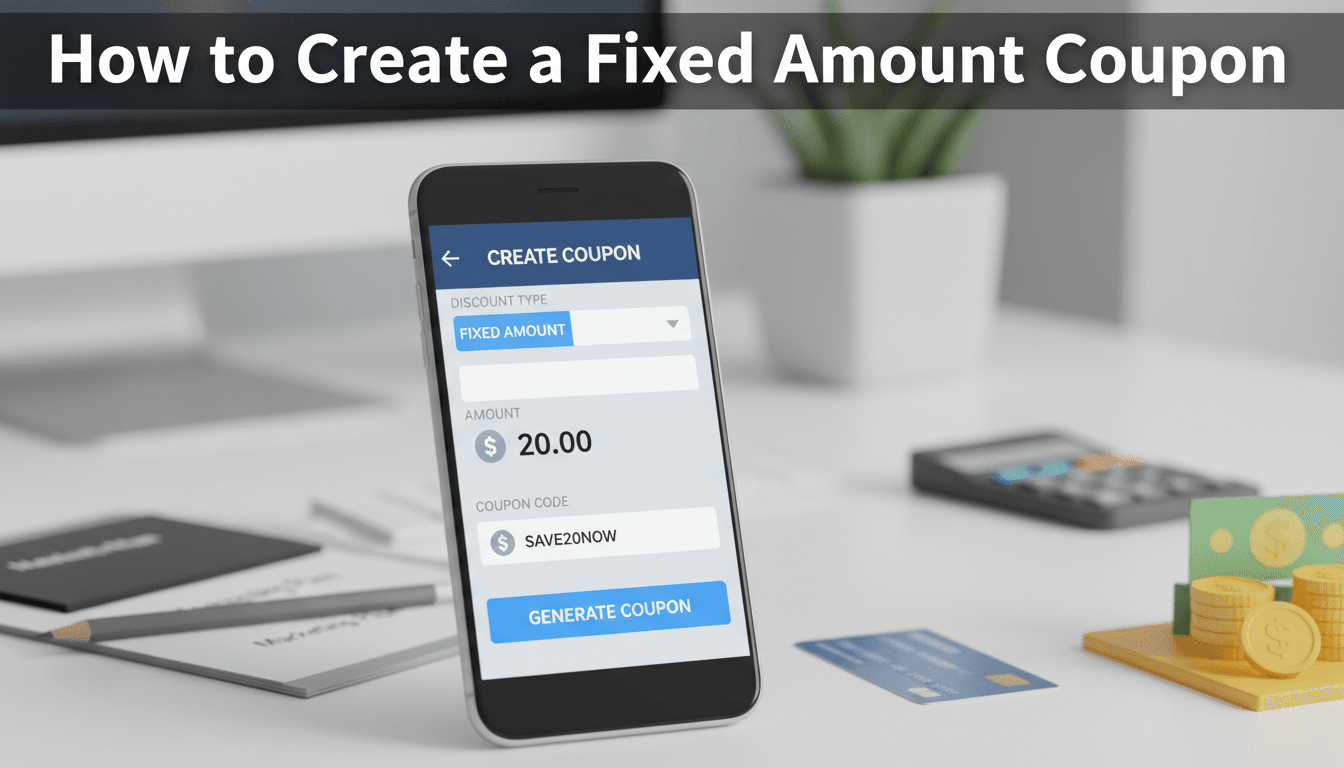
How to create a fixed amount coupon
Fixed amount coupons allow you to take a specific dollar value off a customer’s order. Unlike percentage discounts, which fluctuate based on the cart total, a fixed discount gives you precise control over exactly how much money is being deducted from your revenue.
How to set up your coupon
- Log in to your WooShop dashboard and navigate to Marketing > Coupons.
- Click the Add coupon button at the top of the page.
- Type in a Coupon code. This is what customers will enter at checkout (e.g., SAVE10). You can also add a brief description for your own internal records.
- Find the General tab in the Coupon Data section.
- In the Discount type dropdown, select one of two options:
- Fixed cart discount: Takes the amount off the entire cart total.
- Fixed product discount: Takes the amount off specific products only.
- Enter the discount value in the Coupon amount field (e.g., enter "10" for a $10 discount).
- If you want the coupon to expire, choose a date in the Coupon expiry date field.
- Click Publish on the right side of the screen.
Practical ways to use fixed discounts
- Store Credit: Offer a $20 "Fixed cart discount" to a customer for a future purchase to resolve a customer service issue.
- Newsletter Signup: Send a $5 "Fixed cart discount" code to new subscribers to encourage their first purchase.
- Specific Product Promo: Offer $10 off a specific high-margin item by using the "Fixed product discount" and selecting that item under the Usage restriction tab.
Troubleshooting common issues
The coupon isn’t working at checkout
Check the Usage restriction tab. If you set a "Minimum spend," the coupon will only work if the cart total reaches that number before taxes. Also, ensure the coupon hasn’t passed its expiry date.
The discount is applying to every item in the cart
If you chose "Fixed product discount" and didn’t specify a product, it may apply to everything. If you want a one-time deduction from the total bill, make sure the discount type is set to Fixed cart discount.
The coupon won’t work on sale items
By default, WooCommerce allows coupons to be used on top of sale prices. If you want to prevent this, check the Exclude sale items box in the Usage restriction tab.
Summary
Fixed amount coupons are a straightforward way to offer $5, $10, or $50 off an order without worrying about complex math. They are best used for flat-rate promotions and customer rewards.
Next steps:
- [How to set up free shipping coupons]
- [Setting usage limits for your codes]
- [Creating percentage-based discounts]