Disable WooCommerce Marketing menu
Add the following code to the functions.php of your active theme.
add_filter( 'woocommerce_marketing_menu_items', '__return_empty_array' );
This will remove the following Marketing menu added in WooCommerce 4.0
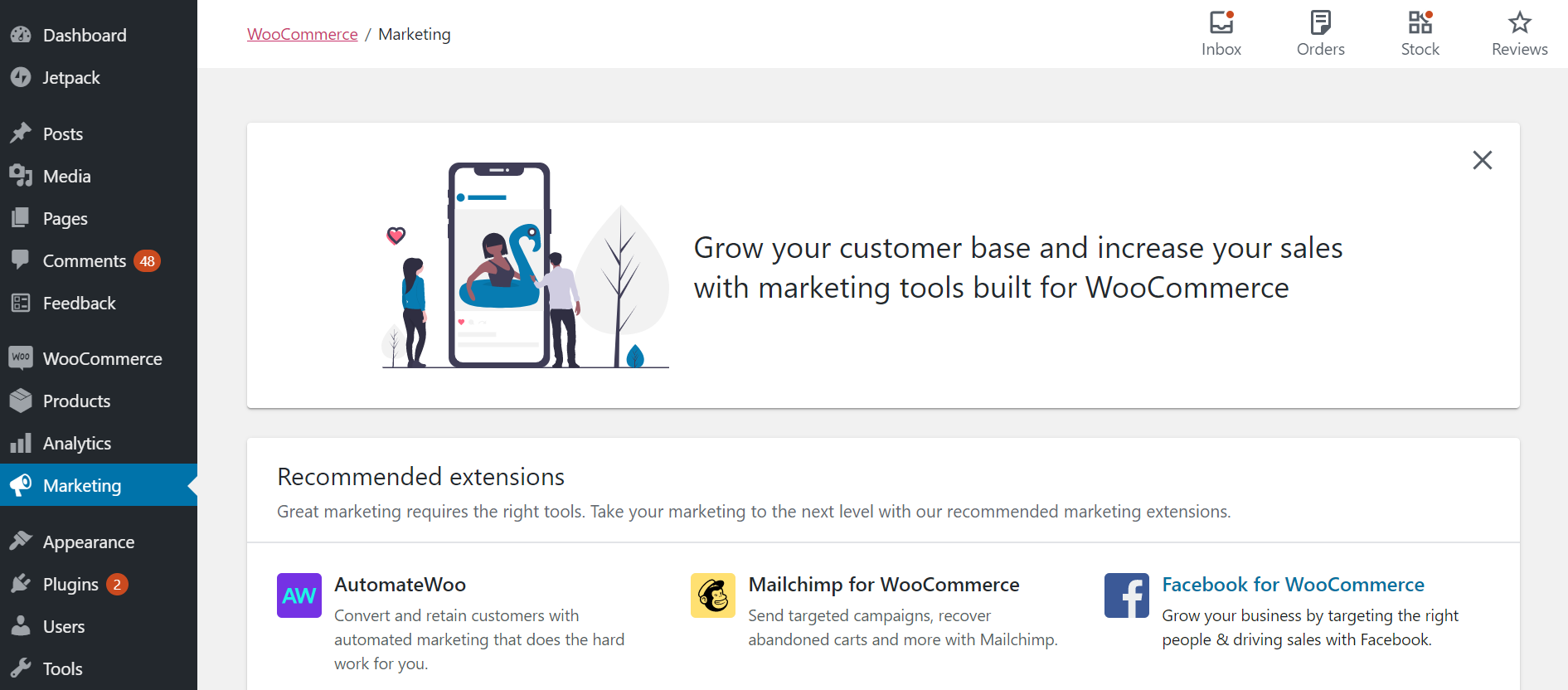

Add the following code to the functions.php of your active theme.
add_filter( 'woocommerce_marketing_menu_items', '__return_empty_array' );
This will remove the following Marketing menu added in WooCommerce 4.0


By default, WordPress displays all of your blog’s pages in search results along with blog posts. But on a specific project you may want to exclude pages from WordPress search results to make your search more relevant and less crowded. After all, most of the time, your readers want to find interesting posts, not pages…

WordPress provides their own logo on user registration and login pages but sometimes it is required to replace that with your/client logo especially for branding purpose. You can easily change the default WordPress logo on the Login page with the help of admin_head WordPress action. Here is a simple code snippet that will allow you…

By OutsourcedContent — on November 16, 2017 Add this to your jQuery file. // Smooth scroll When Clicking Anchor // @refer https://stackoverflow.com/a/7717572/8255629 var jQueryroot = $(‘html, body’); $(‘a[href^=”#”]’).click(function () { jQueryroot.animate({ scrollTop: $( $.attr(this, ‘href’) ).offset().top }, 1000); return false; });

Think of yourself as a Blogger on the move. You are traveling around the world, sometimes you are at Berlin, and then you move to Paris, yet again to New York. How cool it would be to add a note to each post that says where you wrote that from? Or maybe you might want…

In version 3.0 WordPress presented us with the new Menus functionality, it completely changed the way we use navigation menus in WordPress. Now we can easily manage our navigation menus and include pages, custom links and categories without hacking page listing functions or creating our own custom function. We can simply drag and drop menu…

By OutsourcedContent — on October 5, 2017 Add this to the active theme’s functions.php. /** * Remove Website From Comments Form * * @since 1.0 * @refer https://millionclues.com/wordpress-tips/remove-websiteurl-from-wordpress-comment-form/ */ function mc_disable_comment_url ($fields) { unset($fields[‘url’]); return $fields; } add_filter(‘comment_form_default_fields’,’mc_disable_comment_url’);
